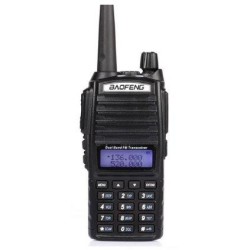
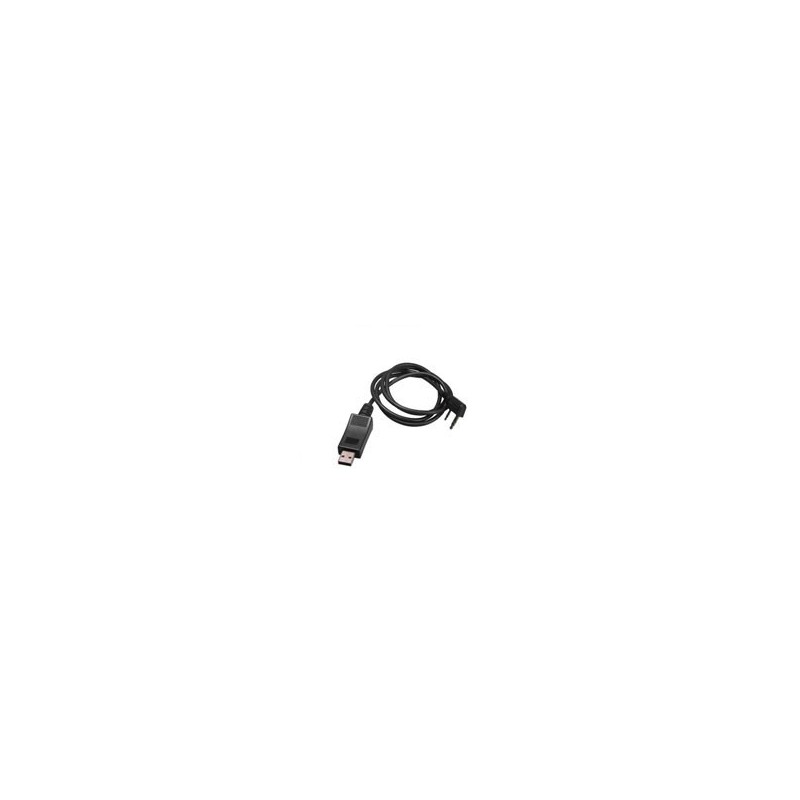
USB programing cable for Radio Baofeng, TYT, INTEK
search
  • USB programing cable for Radio Baofeng, TYT, INTEK

USB programing cable for Radio Baofeng, TYT, INTEK - Kenwood 2-pin

Kč150.00
VAT included

Original accessories directly from Baofeng guarantee 100% compatibility and functionality.

USB programming cable for Baofeng radios is proof of this.

Easy frequency and channel setup via PC.

USB connection and Kenwood 2-pin connector.

Follow the instructions precisely!

Quantity

  Zásady zabezpečení

(upravuje se pomocí modulu Ujištění zákazníka)

  Zásady doručení

(upravuje se pomocí modulu Ujištění zákazníka)

  Zásady vrácení

(upravuje se pomocí modulu Ujištění zákazníka)

USB Programming Cable for Baofeng Radios

Original accessories for Baofeng radios offer top quality and reliability that every user will appreciate.

Baofeng radios are among the best-selling amateur radios suitable for airsoft due to their durability and excellent field performance.
By using original parts and accessories directly from the manufacturer Baofeng, you ensure maximum compatibility and functionality of your devices without the need for additional modifications.

USB programming cable for Baofeng radios provides the ability to easily and quickly set frequencies and channels on your radio. However, setting it up requires some practice, so follow the instructions.

Programming Instructions

  1. Download the programming software for your operating system, for example for WIN10 SoftwareUV5R-win10, for other operating systems use this link: http://www.miklor.com/uv5r/UV5R-Software.php.

  2. Install the drivers for the radio on your PC.

  3. If Windows identifies the device as unknown and therefore non-functional, follow the instructions.

  4. Open the Device Manager folder, select the radio, click on its properties, and choose the "Driver" tab, then proceed by clicking the "Update Driver" button.

  5. Select "Search for driver software on my computer", then "Choose from a list of available drivers on my computer", and then just confirm what Windows 10 offers without specifying the manufacturer or type of device.

  6. Restart the PC.

  7. It is necessary to follow the correct connection procedure, otherwise, the program will not work correctly.

  8. For successful programming, the cable must be fully inserted into the radio until you hear a click.

  9. Connect the cable to the PC.

  10. Connect the cable to the radio.

  11. Turn on the radio and set the volume to maximum.

  12. Run the program on the PC.

Files for Radio Programming

Technical Specifications

  • Material: Rubber, plastic
  • Connectors: USB, Kenwood 2-pin
  • Supported Operating Systems: WIN7, WIN10 (64-bit)

Compatibility with Radio Models

  • BAOFENG:
    UV-5R, UV-5RA, UV-5RC, UV-5RE, UV-5R8W, UV-5RE8W, UV-5RTP, UV-8HX, UV-82, UV-82HP, UV-82HX, UV-82, AN-152

  • TYT (with Kenwood 2-pin connector)

  • INTEK (with Kenwood 2-pin connector)
BAOF005
51 Items

Data sheet

Colour
Black

Specific References

UPC
5680
New

You might also like

Comments (0)
No customer reviews for the moment.